
14 Layout Modes
From classic side by side to picture in picture, torn paper effects, spotlight circles and tilt cards. Pick the layout that tells your story best.
The only before and after app built for creators who care about every detail. Compare, annotate, soundtrack and export in stunning quality.


Features
A full creative toolkit for two-photo comparisons and multi-photo timelines, all in one app made for storytellers.
Comparison Editor
Layouts, transitions, annotations, music and export, all in one canvas.
From classic side by side to picture in picture, torn paper effects, spotlight circles and tilt cards. Pick the layout that tells your story best.
Reveal your transformation with wipes, diagonal sweeps, iris opens, venetian blinds and page peels. Every transition has adjustable duration and music sync.
Text and shapes flow with the transitions in perfect sync. Each note appears exactly as the after photo is revealed.
Add any audio file or iTunes song. The exact sound you love throughout your transformations.
Export a crisp MP4 or photo you create. Both come out ready to post anywhere.
Timeline
Turn a folder of progress photos into a narrated, animated story.
Capture your whole journey, however long it takes. Add as many photos as you want and reorder them with a tap so your progress always reads in the right order.
Show how far you have come with dates that stay locked to every photo. Your timeline reads like a real story instead of a random pile of pictures.
Hit play and watch months of change unfold in seconds. Slow it down to savor every step or speed it up into a quick highlight that grabs attention.
Turn your entire journey into one smooth video you can post anywhere. Every step flows into the next so the full transformation lands in a single watch.
Set your whole journey to one song and let it carry the mood from start to finish. The music stays perfectly in time so the payoff feels earned.
Design Tools
Every styling tool you need to make something polished on your first try.
Playfair Display, Pacifico, Dancing Script, Bebas Neue and dozens more. They all load in the background before you ever need them.
Apply rich multiflow fills to text, shapes, labels and dividers. Every color element in the app supports full color control.
Drop in rectangles, circles, arrows, triangles, stars and hearts, then draw freehand with a brush or eraser. Attribute each stroke to either side.
Line up your after shot against a ghosted overlay of the before photo. Match the exact same angle every time for a flawless comparison.
Crop, adjust, flip, rotate either photo, change its brightness, contrast, saturation, vibrance and color flow without losing the original.
Export and Quality
Crisp output, smart frame rates and every aspect ratio you need for social.
Share results that look crisp and smooth on any screen, from a phone to a big TV. Your transformation always comes out clean and professional.
Keep editing or browsing while your video renders behind the scenes. There is no frozen screen or waiting on a spinner so you stay in your flow.
Post anywhere without awkward cropping. Pick the perfect fit for an Instagram square, a vertical Story, a wide YouTube clip or classic 4:3.
Your music comes baked right into the video as one file. Post it anywhere and the soundtrack plays exactly the way you set it.
Send finished work straight to your photo library and out to any app in a tap. The moment you are done it is ready to share with the world.
Showcase
Explore the reveals you can create and the screens you will use to make them.
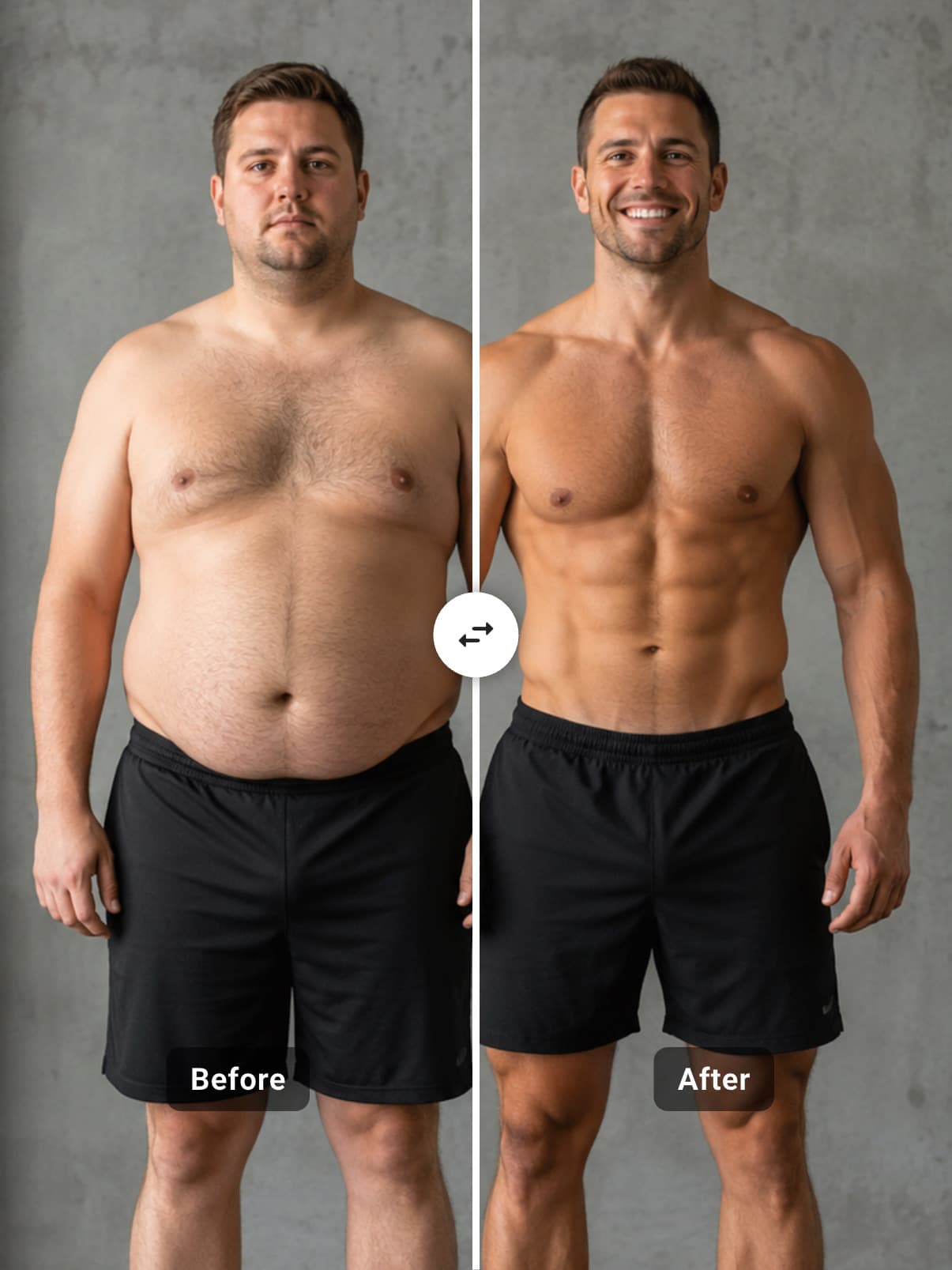
Body Transformation
Side by side reveal
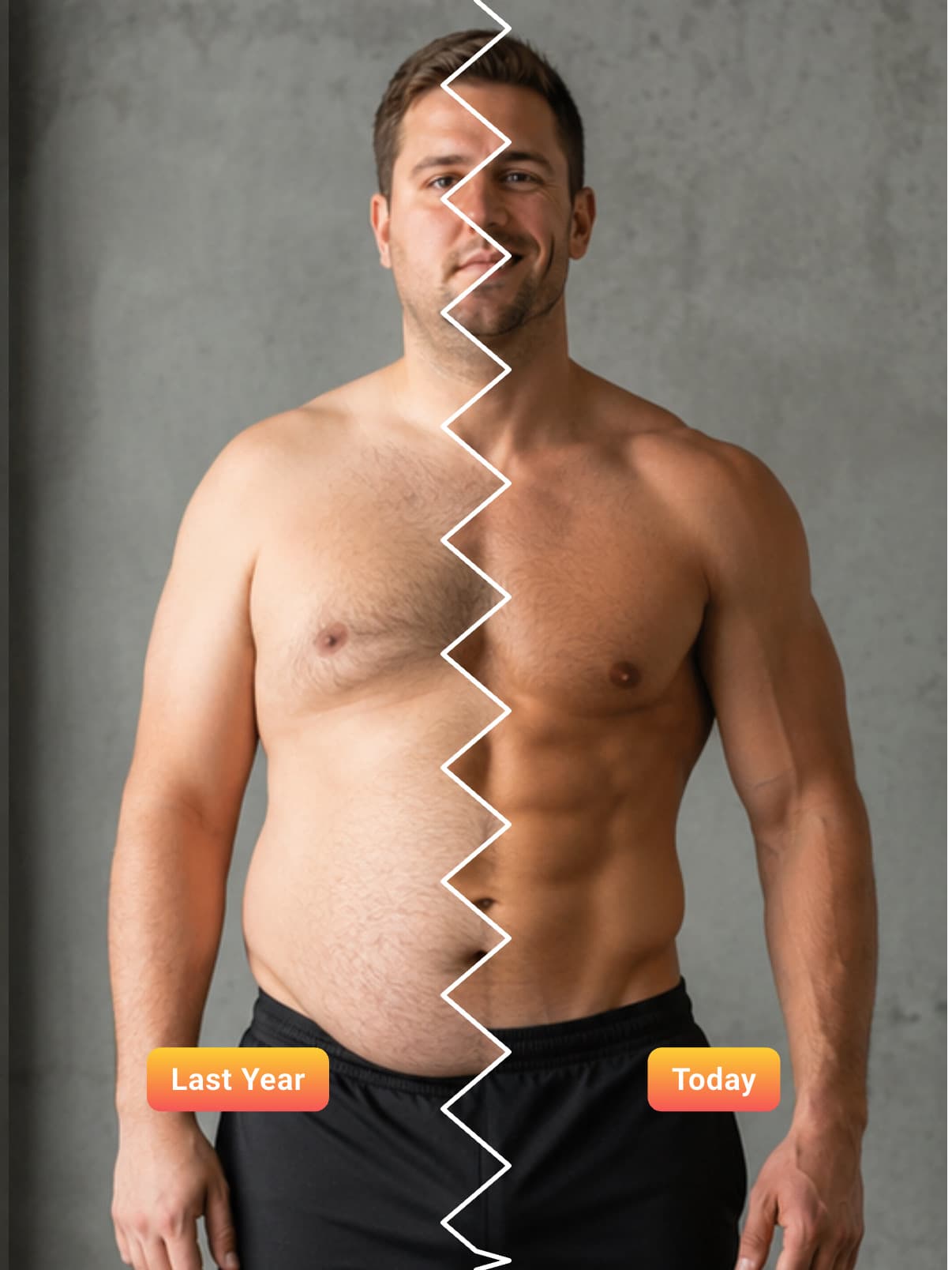
Weight Loss Timeline
Torn paper effect
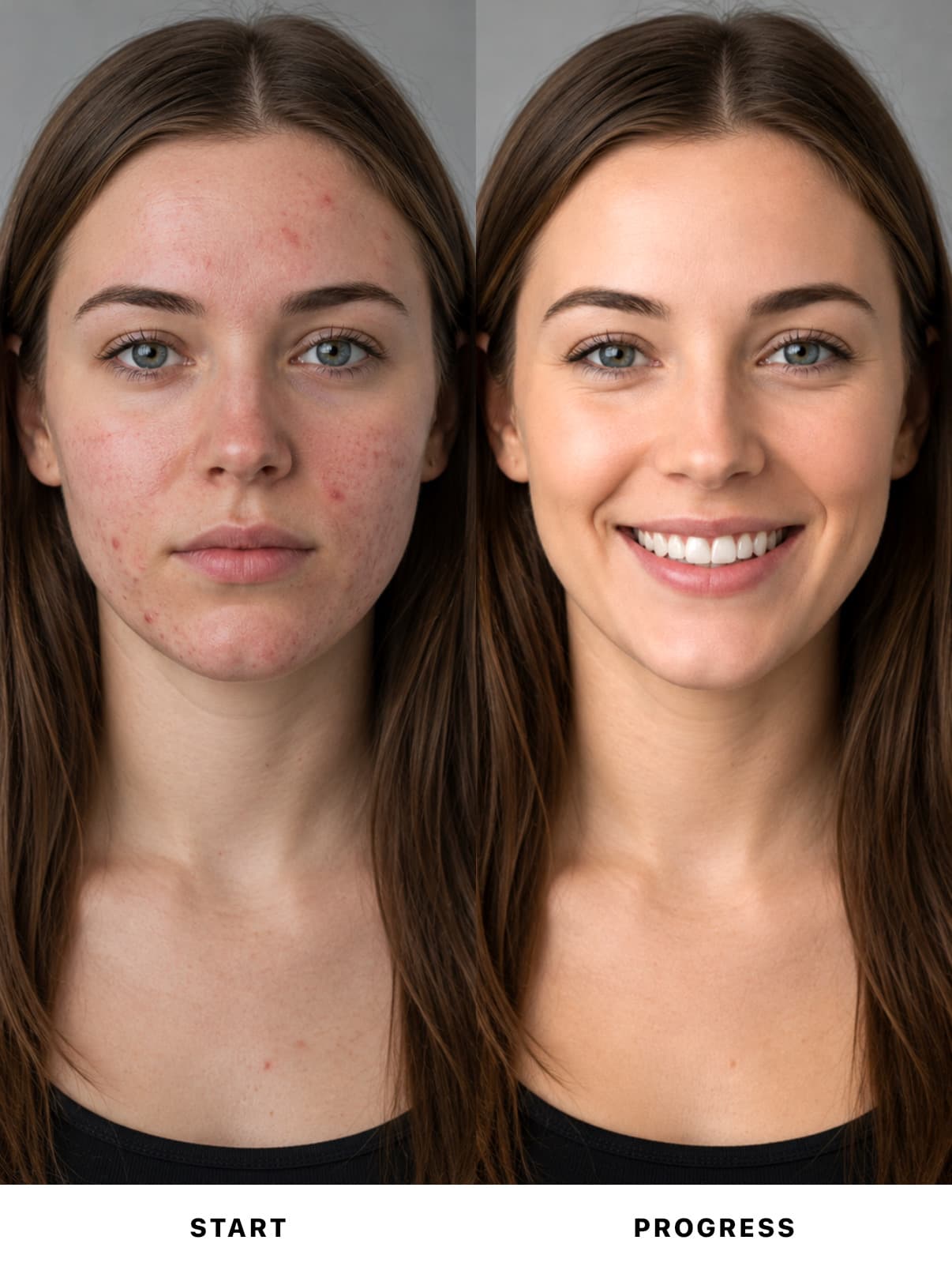
Clear Skin Journey
Side by side reveal
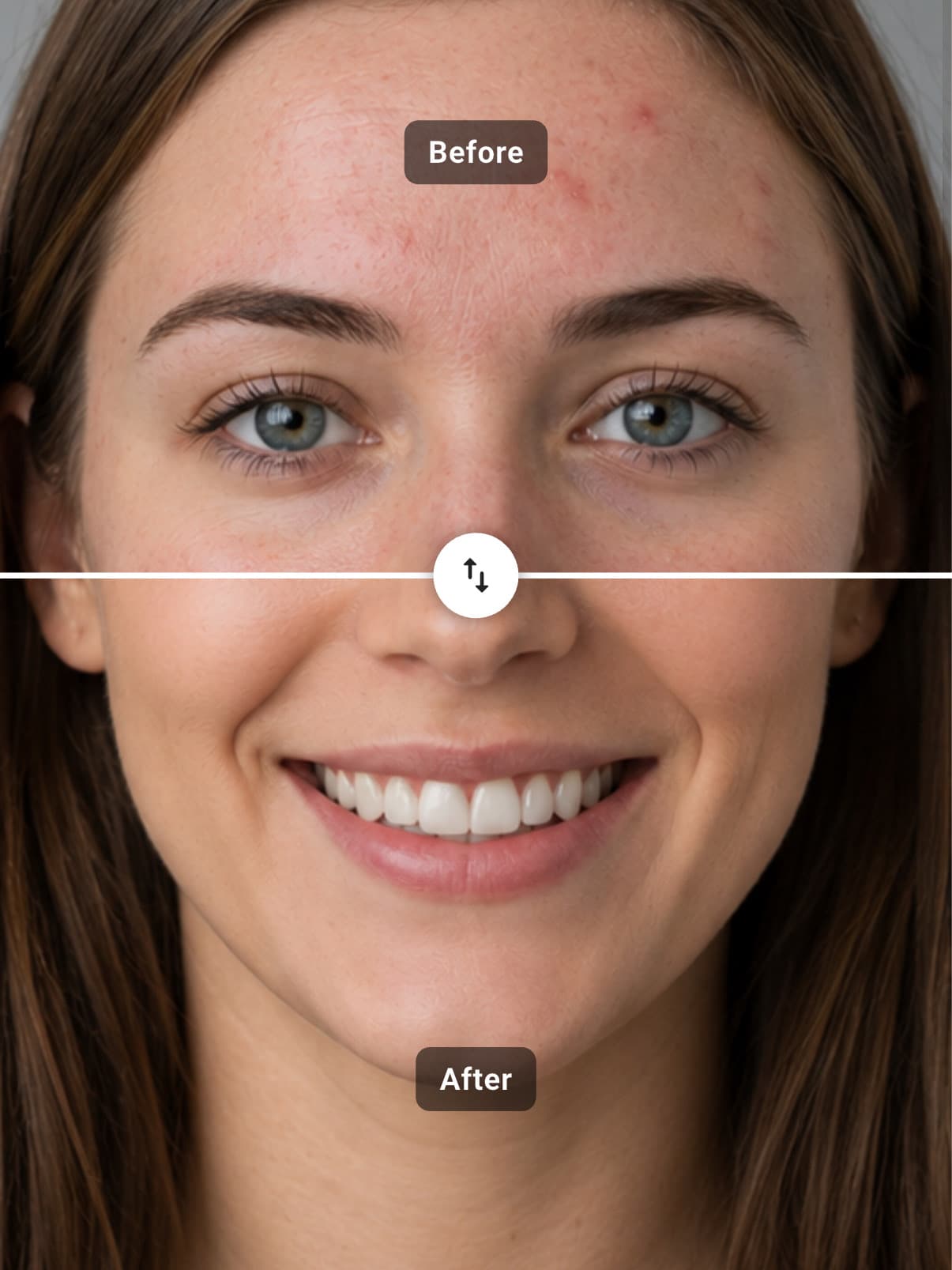
Skincare Glow-Up
Horizontal wipe
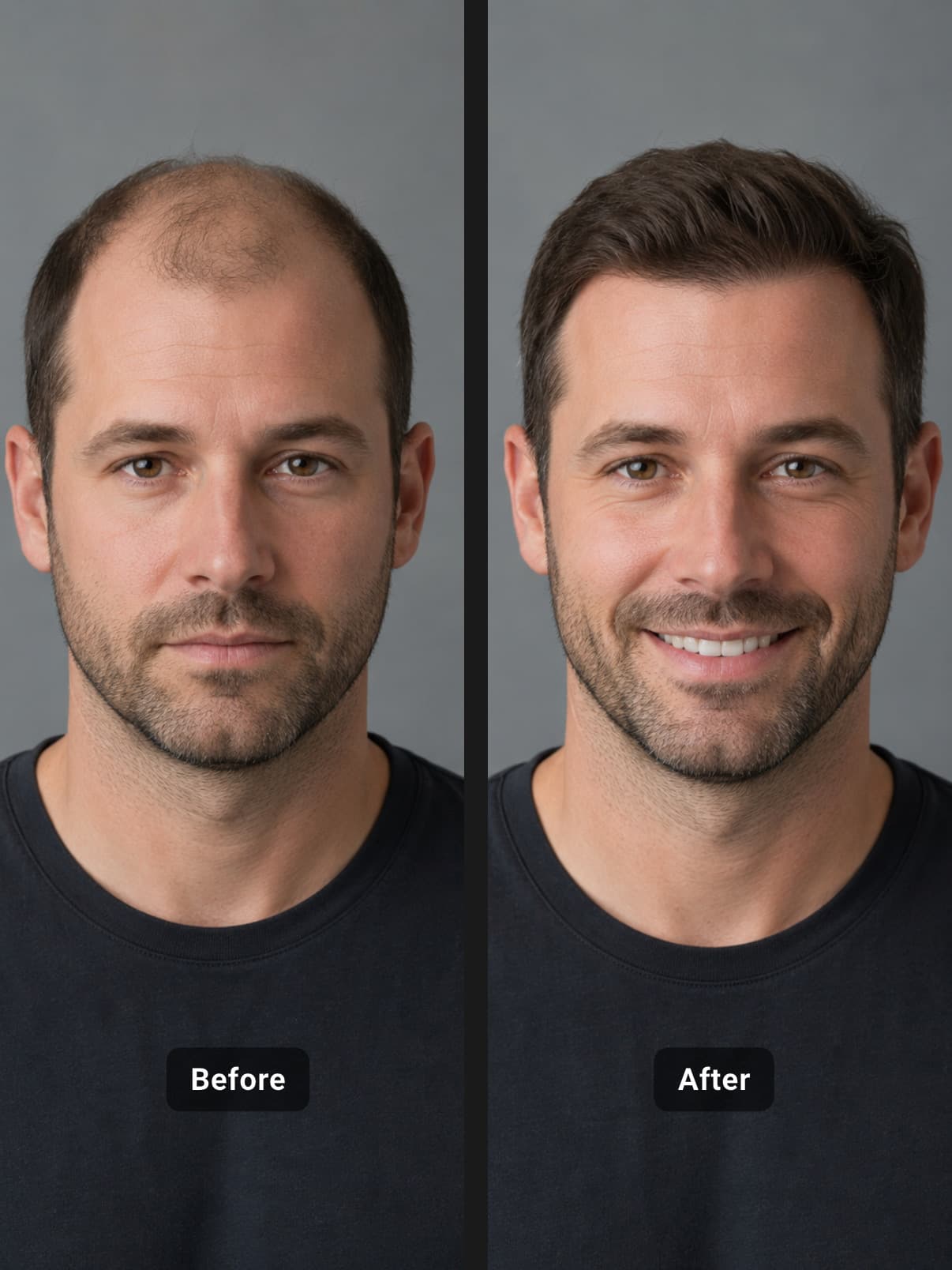
Hair Restoration
Side by side reveal
Download Before-After for free and create amazing stunning transformations in seconds.
Reviews
Real stories from people who use Before-After to show their progress.
I post a weekly progress reel for my clients and this is the only app that keeps the music perfectly in sync with the reveal. The side-clipped text is genuinely magic.
Maya R.
Fitness Coach
I documented a full kitchen remodel as a timeline and exported it as one video. The date badges wiping with each transition made it look like a proper TV segment.
Daniel K.
Home Renovator
The transitions and music give my before and after posts a look nobody else has. Export quality is crisp and there is no watermark. Worth every star.
Priya S.
Skincare Creator
Pick two photos for a comparison or drop in a whole series to build a timeline.
Choose a layout and transition, then add labels, shapes and a soundtrack that stays in sync.
Save/Share in HD quality as MP4 or Photo, save to your gallery and post it anywhere.
No. Your exports never carry a watermark.
Yes. Pick any audio file from your device or choose a song straight from your music library, then trim it with the waveform handles.
Yes. Creating, editing and exporting all run on your device, so you can build comparisons and timelines without a connection. Only the text fonts need internet connection.
Your videos come out crisp and smooth, looking great on everything from a phone to a big screen. Pick from five shapes that fit Instagram, Stories, YouTube and more, with your music built right in.
A comparison shows two photos with one animated transition. A timeline strings together many photos into a progression and exports the whole journey as one continuous video.
Yes. Before-After runs on iPhone you can download it through the App Store and for Android phones and tablets through Google Play; same full feature set everywhere.
Download Before-After free and turn your photos into comparisons and timelines worth sharing.
Before-After turns two photos into a striking comparison or a whole series into a timeline that shows how far you have come over months and years, right on your iPhone or Android. Cinematic transitions, labels, texts, shapes that that elevate your transformations with your custom music and exported in crisp shareable videos and photos